1 KiB
1 KiB
Setting up a Python Virtual Environment (.venv) with Jupyter Notebooks in VSCode
Step 1: Install Python and VSCode
- Install Python https://www.python.org/downloads/
- Install VSCode https://code.visualstudio.com/Download
Step 2: Install Required Extensions in VSCode
- Open VSCode.
- Install the "Python" extension by Microsoft.
- Install the "Jupyter" extension by Microsoft.
Step 3: Create a Virtual Environment (.venv)
- Open the
libraryCreatorScript.ipynbfile in VSCode. - Select a kernel using the kernel picker in the top right.
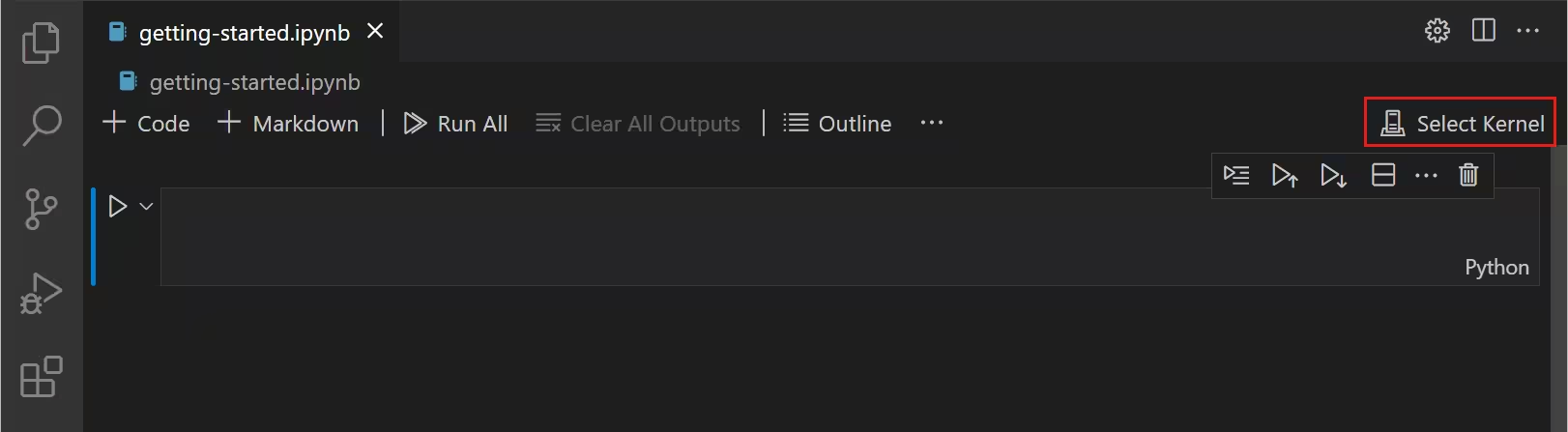
- Click "Select another Kernel".
- Click "Python Environments".
- Click "Create Python Environment".
- Click "Venv".
- Click "Create New".
Step 4: Verify the Virtual Environment
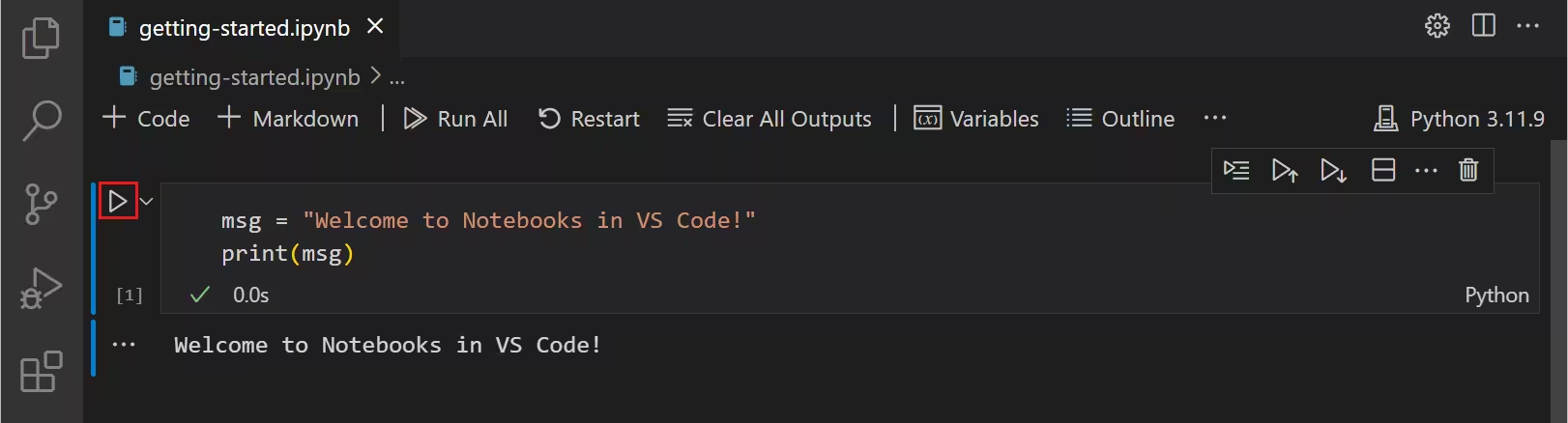
Run the first cell on libraryCreatorScript.ipynb and it should download all the needed packages without any errors in less than 30s.